
Keep An Eye On Him. Literally.
My Watch List is live, and it is the same list MFL keeps under your name. Watch anyone from a roster, the free-agent pool, or your rankings board, and every Schefter post about him lights up — with a Watching tab to see nothing else, and a push alert if you want one.
The Full Story
Every owner has a mental list. The rookie you almost drafted. The receiver whose target share you check every Monday. The running back one injury away from a job. Until now that list lived in your head, or worse, in a note on your phone that you last opened in August.
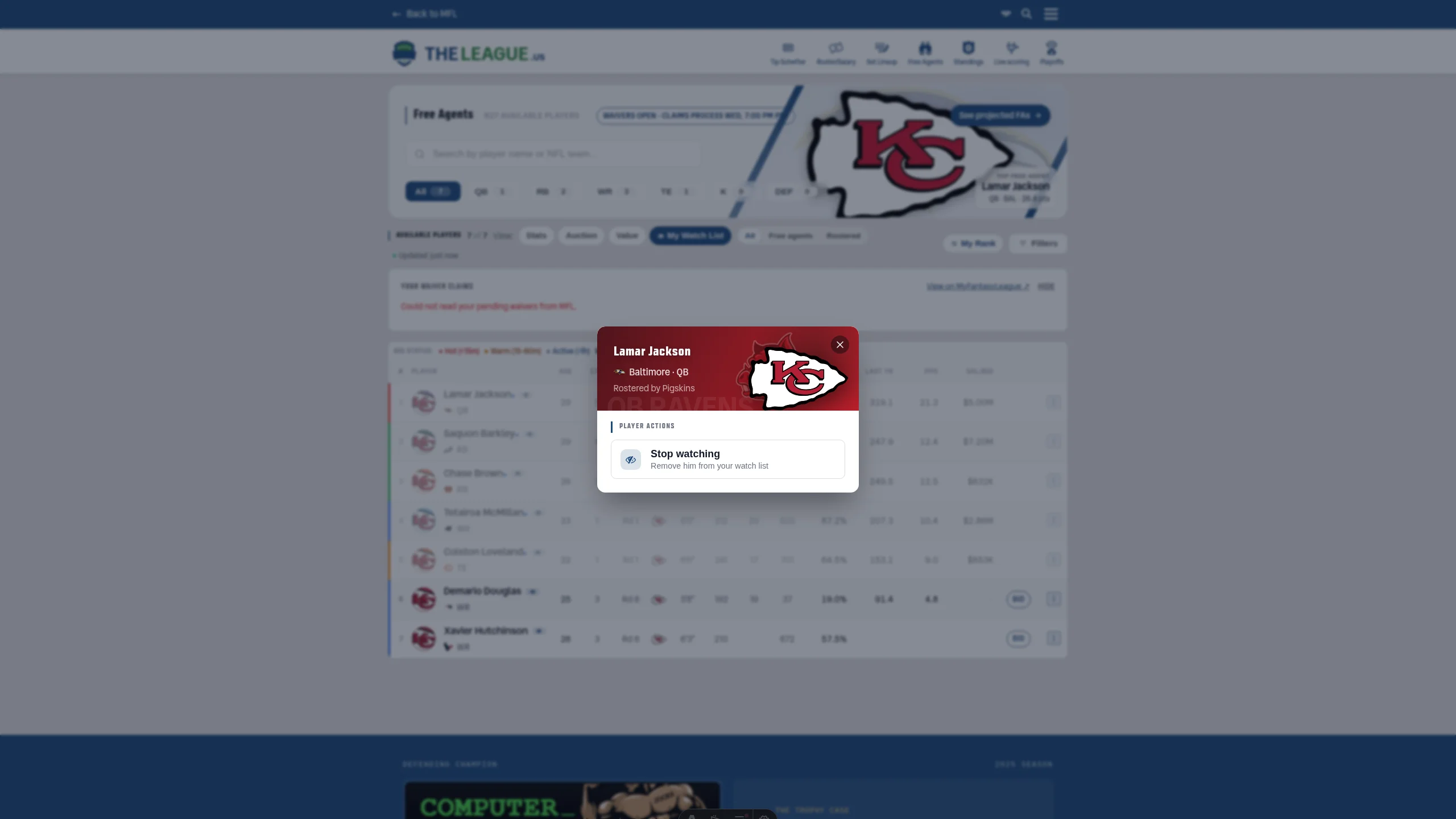
Now it lives on the site, and it lives on MFL — it IS MFL's My Watch List, so a player you watch here is watched there and back. Tap the ⋮ on any player on the free agents page, any roster in the league (yes, other people's), or your custom rankings board, hit Watch player, and he is on the list. The player card everywhere on the site carries the same switch. One tap adds, one tap removes, nothing to sync and nothing to push.
Then the list starts working for you. The Schefter Report now flags any post about a player you watch — a signing, a cut, a trade, a rumor, a wire story — with a chip naming him, and a new Watching tab shows only those. Your own roster counts automatically, so the tab is your team's news and your shopping list in one scroll. On the free agents page a My Watch List view filters the pool to your list, with a toggle for who is still available and who got scooped.
And if you would rather not scroll at all, the notification center has a new switch: News on your watch list. Off by default, because it is your list and your phone. But flip it, and the moment Schefter posts about one of your guys, so does your lock screen.
Message